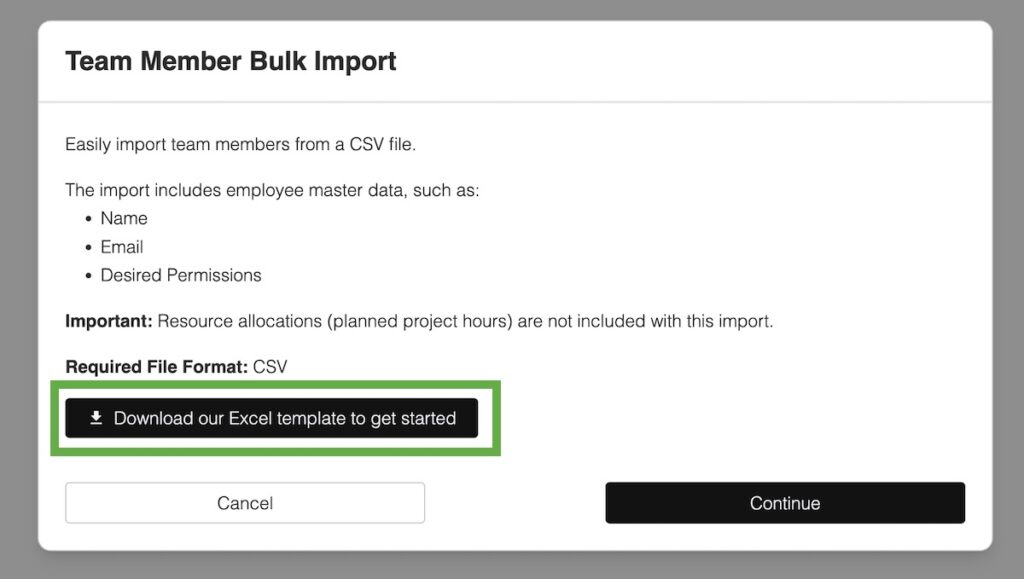
Click the Create Team Member button and choose Import Team Members:
Step 2: Download the import template
Click on the download button to download the import template.
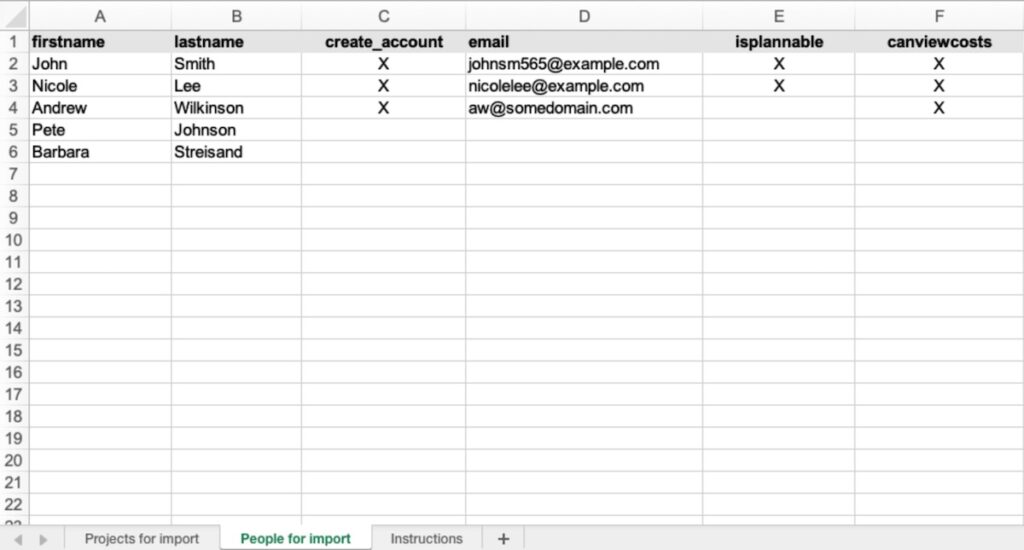
Open the file in Excel and select the People for import tab.
Add your team members as depicted below. Enter at least a first name and last name. If you would like to set up user accounts for your team members, set the create_account column to “X” and enter an email address. Make sure to set the isplannable flag to “X” for people who should appear in the capacity planning views.
Save the current tab as a CSV file by choosing File -> Save As in Excel
Press Continue to proceed.
If you have set up orgunits, you will be asked to choose which orgunit the people belong to.
Click Open CSV file from local drive and select your import file. Make sure it is stored as CSV (comma separated values), not as XSLX file.