Caperity
Project capacity planning made simple
This page gives you an overview of the Caperity interface and how the app is structured.
Learn about the main areas, including the sidebar, planning views and settings, so you know where to find and manage everything.
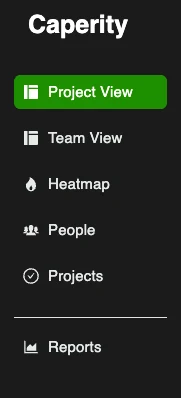
The sidebar provides access to the main areas of Caperity:
Use the sidebar to switch between views and navigate the app.
From the top navigation you can access: