
This guide explains how to export planning and other data from Caperity.
What You Can Export
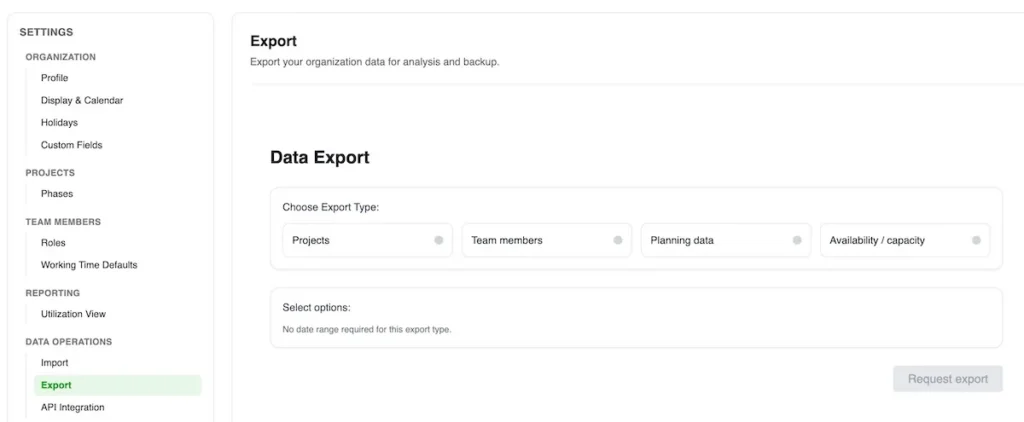
The following data can be exported:
- Projects: Project name, project code, start and finish dates
- Team members: Team member details
- Planning: Hours per project and team member per date)
- Capacity: Capacity by team member over time, adjusted for holidays and time off. Useful for custom reporting in Excel.
How to Export Data
You can access the export feature in Settings.
Only Admin users can run exports (see access levels).

Choose the type of data to export, and a wizard will guide you through the process.
Need Help?
If you need help with your data export, please contact us. We are more than happy to help.