
The export feature lets you download planning data as a CSV file for further analysis or reporting.
What you can export
- Planning Data – effort booked by project and team member
- Projects – list of active projects with key details
- Resources – list of team members with contact info
How it works
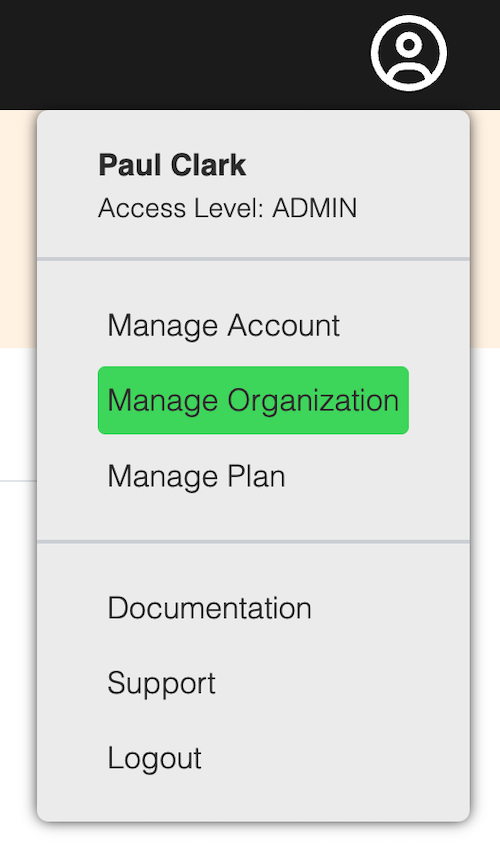
Go the the Organization Settings page and click on the Export tab.
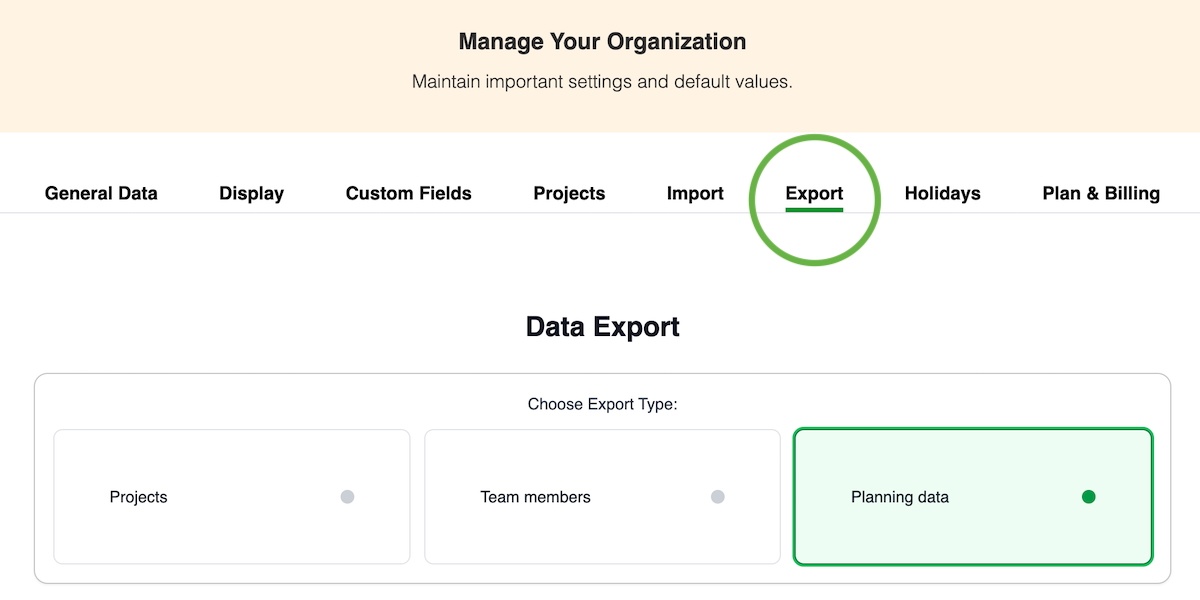
Select the export type and press Request export.
You will receive an email when your data is ready for download.
Download links are valid for 24 hours.