Caperity supports two calendar styles for planning: Daily and Weekly.
During setup, you choose the layout that fits best for your organization. This choice applies to all projects and all team members, and cannot be changed.
In the daily layout, you schedule hours per day. In the weekly layout, you schedule in hours per week, and workloads are compared with each person’s weekly working hours.
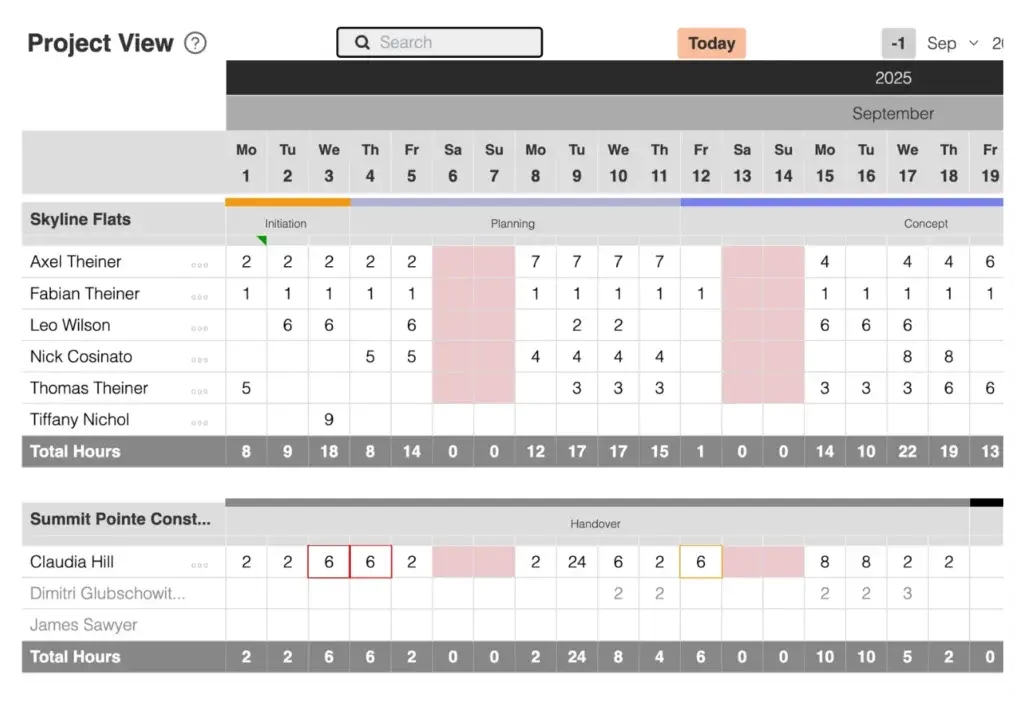
Daily Layout
This layout is for teams that need more granular planning.
- Plan work day-by-day
- Define project phases that start mid-week
- See availability and workload on a specific date
Example:
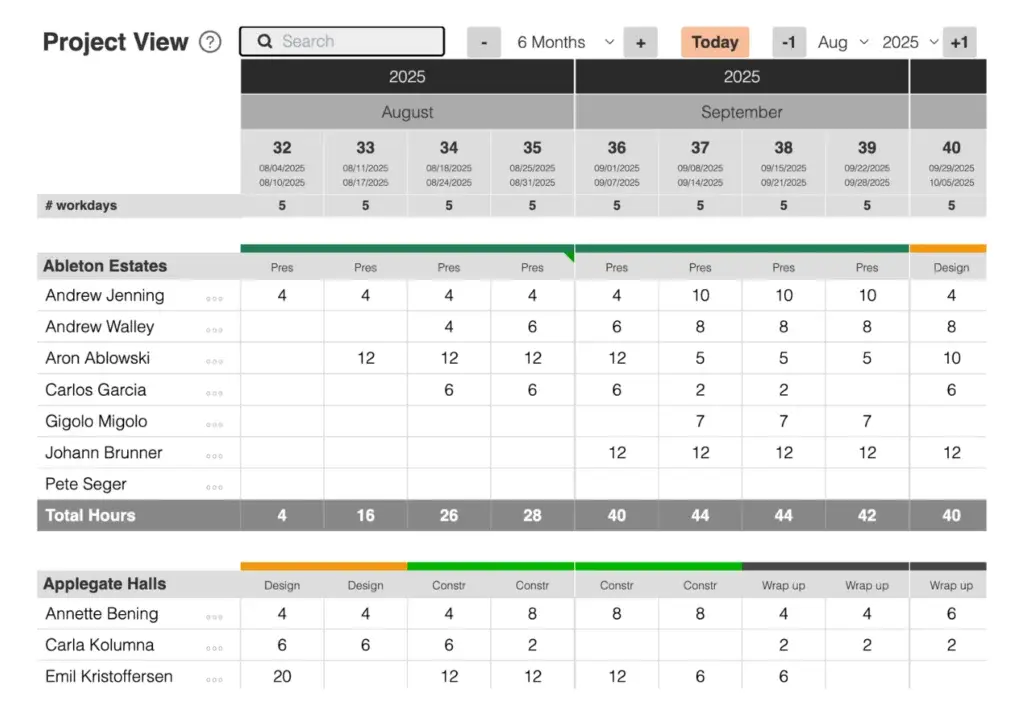
Weekly Layout
For teams where high-level planning is the best choice.
- Schedule hours on a per-week basis
- Define project phases based on weeks
- See availability and workload for each week
Example: