Caperity
Project capacity planning made simple
Team members who have left the team can be archived.
Their data is still preserved, but they won’t appear in the planning views anymore and can no longer be scheduled.
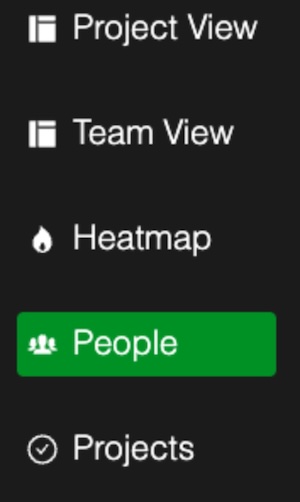
Go to the People page.
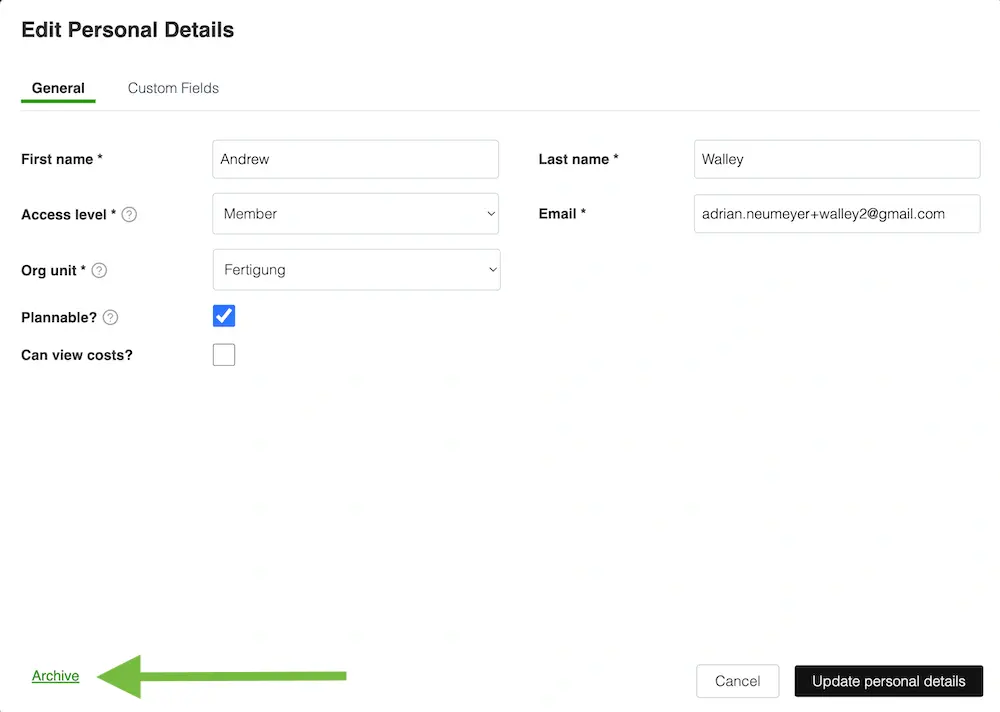
Choose Edit Personal Details for the person you want to archive:
In the Personal Details window, click on the Archive link in the lower left corner:
Confirm your action by pressing Yes.
Note that archived team members are hidden from the main views and can no longer be used for scheduling.
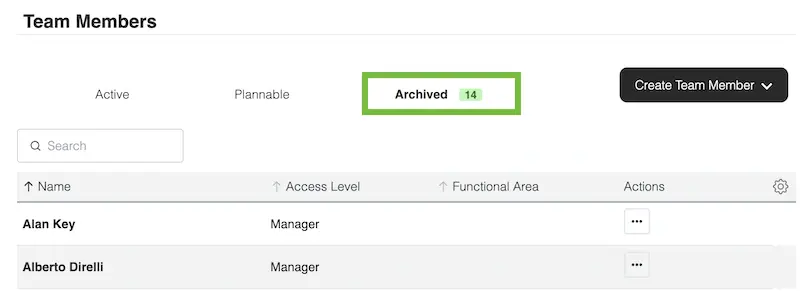
Archived team members can be found in the Archived bucket on the people page: